
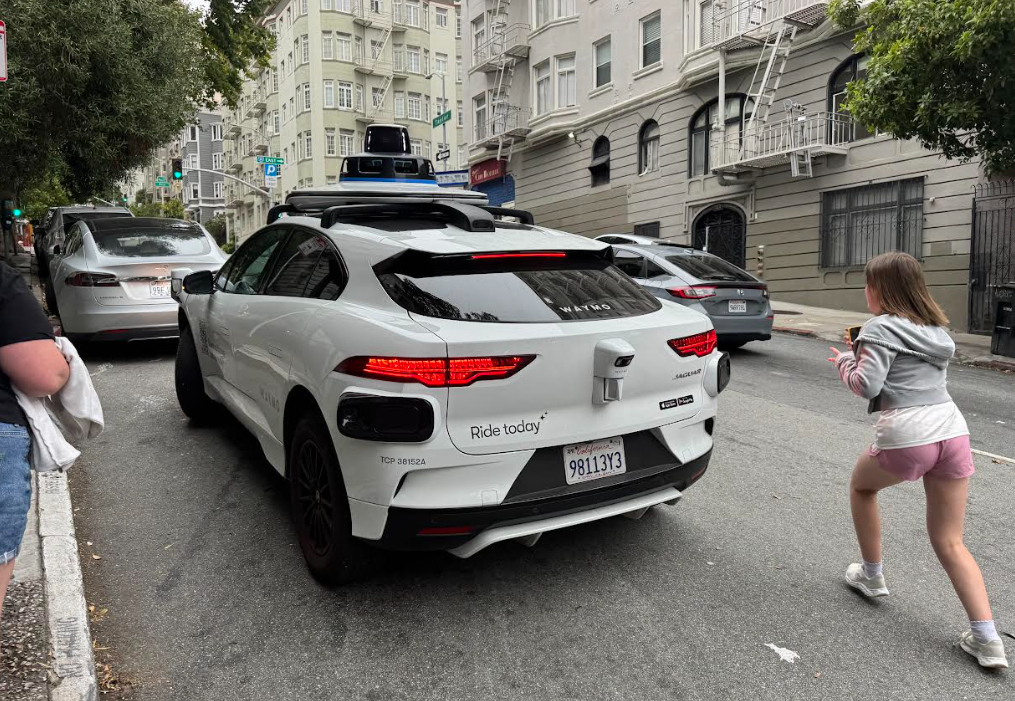
From the moment we arrived in San Francisco, car mad Megan was completely fascinated by the Waymos driving around the city.
Every time she spotted one, she’d point it out. We kept telling her, “Don’t worry, we’ll go in one while we’re here.”
The only problem was that Waymo in San Francisco isn’t exactly cheap, and San Francisco is one of those cities where you can walk pretty much everywhere (apart from those ****ing hills).
We could only put it off for so long. Eventually, Megan had asked enough times that we thought, right, let’s just do it!
Booking a Waymo
To take a Waymo, you will need to download the Waymo app. If you’ve used other rideshare apps, such as Uber or Lyft, you’ll find it very familiar.
Much like other rideshare apps, the app will match you with a car, tell you where your meeting point will be, and tell you how long it will be until the car arrives. You can also follow the car’s progress on the map.
Waymo Arrival
We hadn’t told Megan she was getting a Waymo at that point, so when it came around the corner, we pointed it out. Only, it didn’t stop, it drove straight past us.
I could only assume it couldn’t find somewhere to park, or maybe it was because we were on the other side of the residential road. We don’t know. Anyway, we crossed over the road and followed the car as it did another loop, and this time it stopped beside us.
That’s one thing to take note of: if you aren’t at the exact location, it won’t drive that little bit further up the road or cross to the other side like a human driver would.
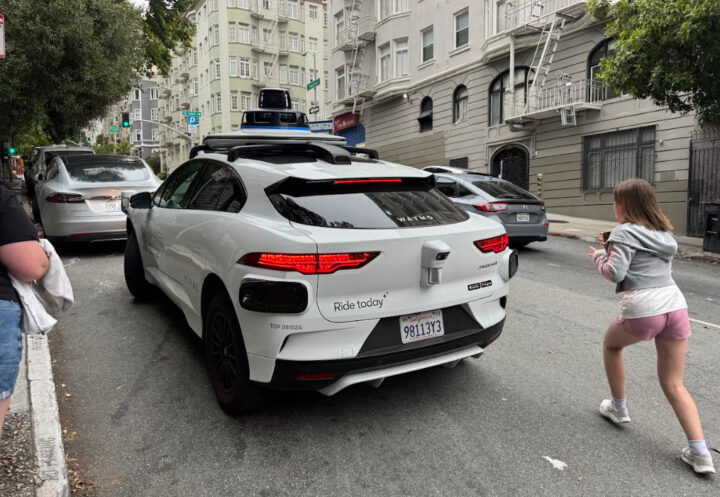
Megan was beside herself with excitement and automatically called shotgun, while we tried to work out how to get into the thing.
Nicola realised that as you get closer to the car and start hitting buttons on the app, the doors open. We aren’t really sure what caused the doors to open. Was it acting like a remote key, or was Nicola hitting a door-open button?
Anyway, we were in!
The Waymo Experience
Once we were in the car and buckled in, that’s when the fun began. I thought Megan was going to pass out; she was that excited! We hit the Start Your Ride button, and off the car went.
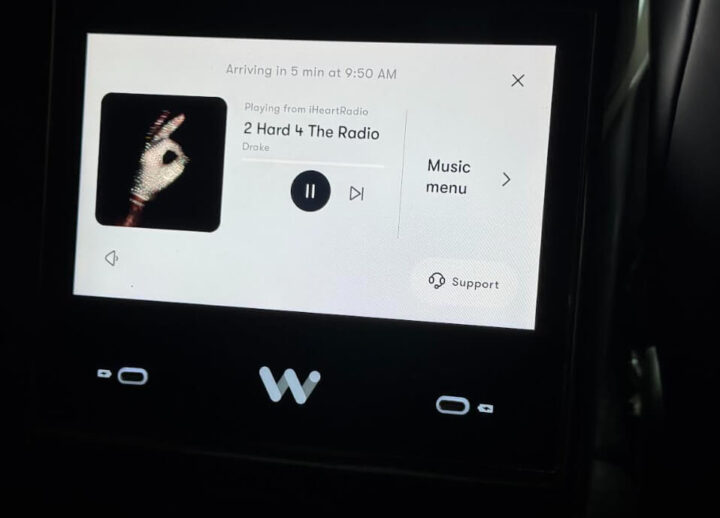
Before we even got out of the street, Megan was playing around with the music, trying to find a channel she wanted. Nicola told us we could connect our phones, but to be honest, that felt like a bit of a faff, so we didn’t bother.
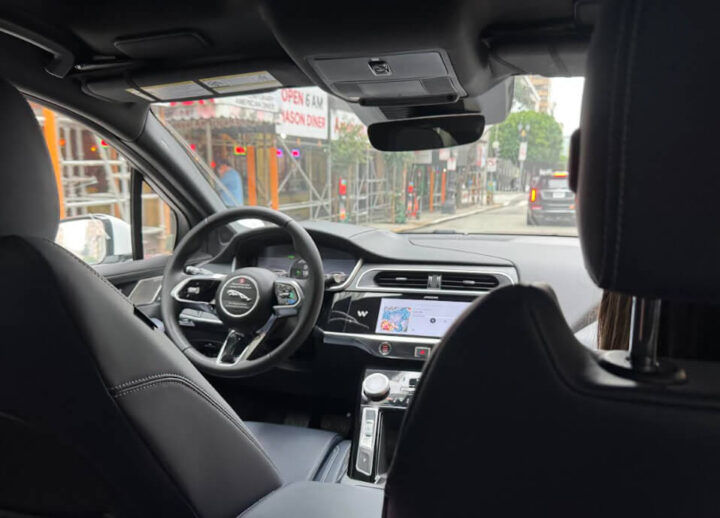
It does take a while to get used to there being no driver. You can’t have the usual conversations — “Just started?”, “Been busy?” — you know, the questions a driver gets asked a million and one times on a Saturday night.
I was amazed at how gentle the car’s turning, acceleration and braking were. It really felt like a great driver was taking us to our destination.
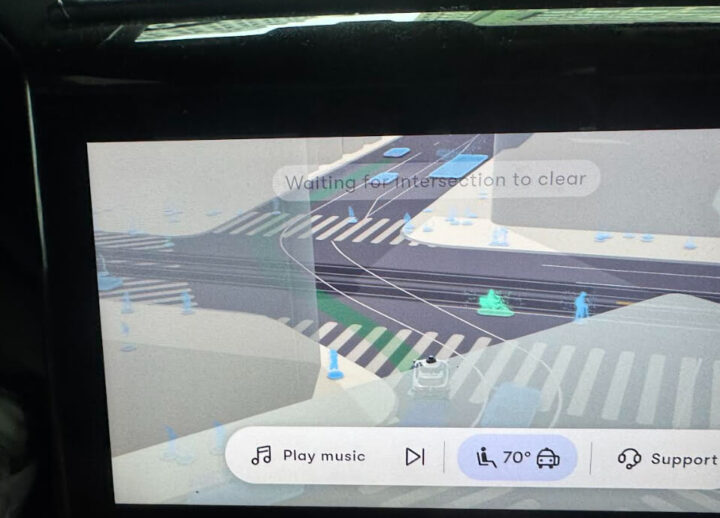
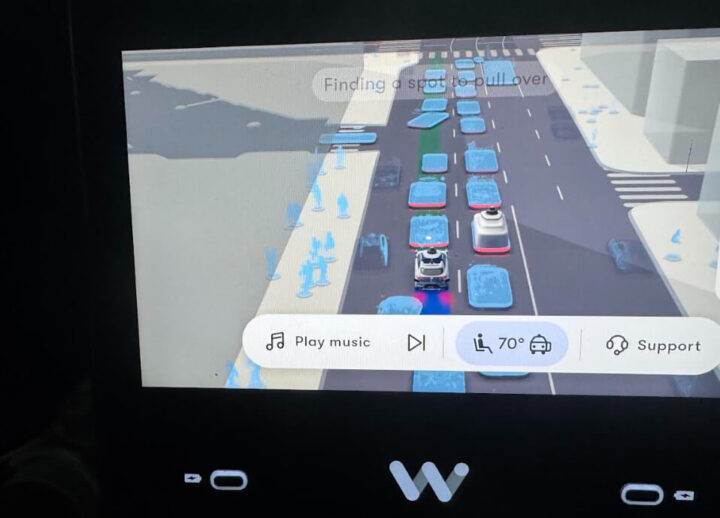
We also really enjoyed watching the TV screen, which showed us what the car was seeing. It was amazing to watch it pick up cyclists and people way down the road and react to them as they came towards us.
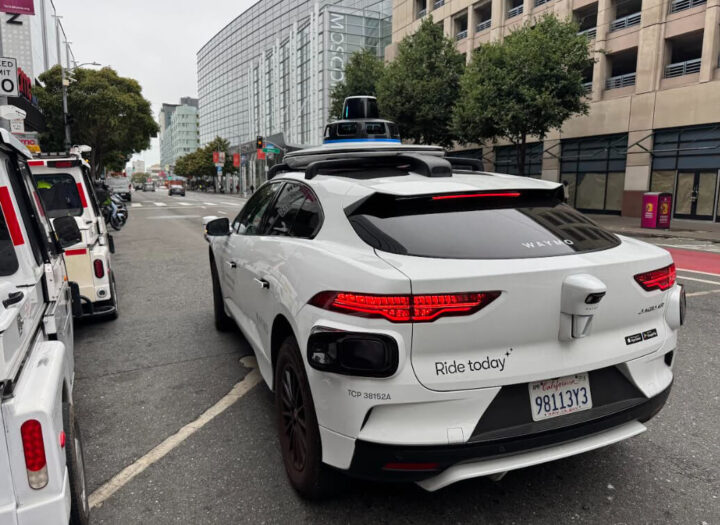
The journey was a really safe experience. We had zero dramas to report, and before we knew it, the car was trying to work out where to park at our destination. Once it had found a suitable spot, we got out.
If you do have any dramas during your journey, there is a button you can click that puts you through to an actual person who can support you and advise you on what to do.
Overall thoughts.
As you can probably tell from what I’ve written, we loved the experience. We had absolutely no issues. The only tiny things I think they could possibly improve are the cost and maybe having a computer voice that could talk to you about what is happening during your journey.
Other than that, it was great fun, and we would fully recommend giving Waymo in San Francisco a go.
Thanks for taking the time to read about our experience of Waymo in San Francisco.
The Lewis Family